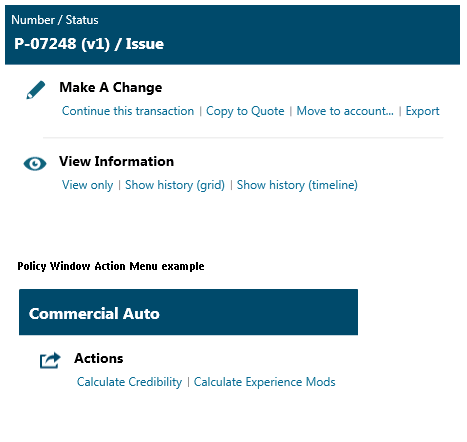
are displayed throughout Quicksolver
on all screen types. Hover over the action menu icon to display
all available actions for your transaction. The menu varies based
on the screen, transaction type, and status. Select the desired action
by clicking on the link in the menu.
are displayed throughout Quicksolver
on all screen types. Hover over the action menu icon to display
all available actions for your transaction. The menu varies based
on the screen, transaction type, and status. Select the desired action
by clicking on the link in the menu.